Making Beats on a Phone: A Starter Workflow That Finishes Tracks
In 2026, your phone is more than enough to finish real tracks. The trick is to treat it like a tiny studio rather than an endless toy shop. Start every session by locking in tempo and sketching a simple drum pattern. Eighty to one hundred beats per minute works for most hip-hop and electronic ideas; 128–140 for faster club energy. Spend no more than three minutes here. The groove should feel good immediately or you move on.
Next, browse your sound library with ruthless limits. Choose only four or five instruments total: one kick, one snare or clap, a hi-hat, a bass sound, and one melodic or textural element. This constraint stops option paralysis and forces you to make the most of what you have. Once the palette is set, record a bassline live instead of drawing notes. Tap or strum it in real time for eight bars. The tiny imperfections add human feel that programmed lines often lack.
Building the Loop
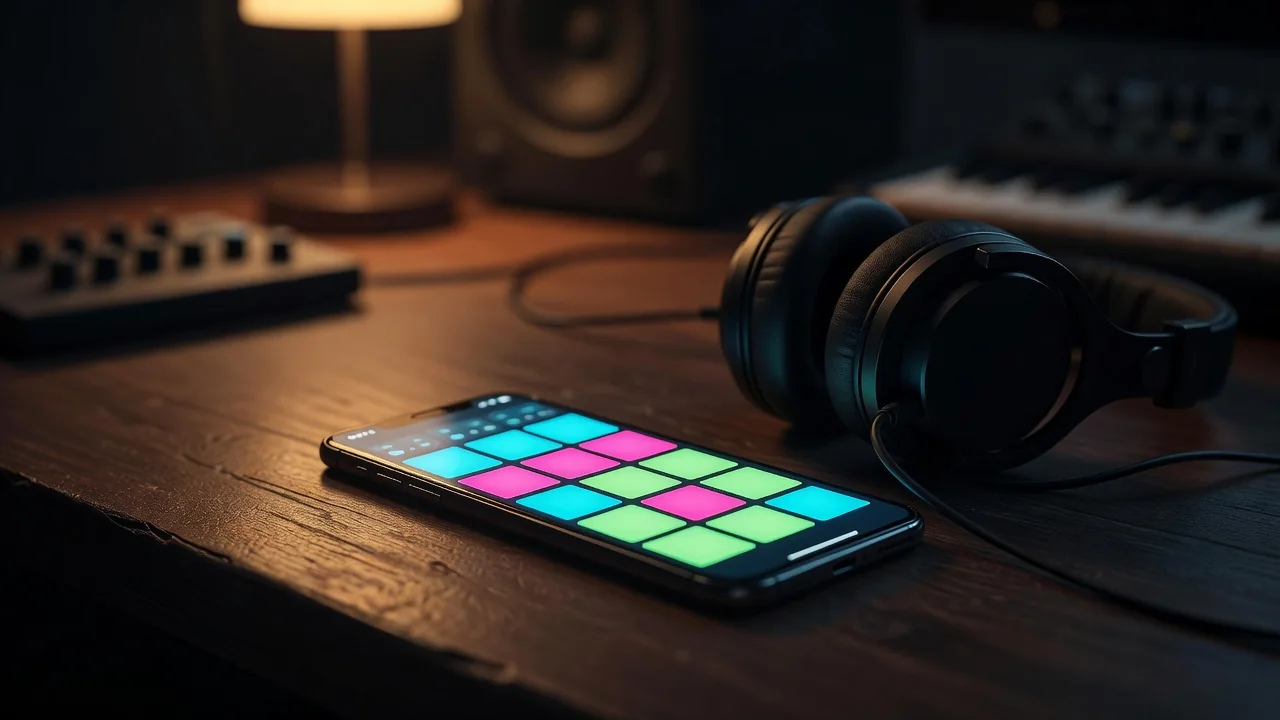
With drums and bass locked, add the melodic element sparingly. Keep the loop to eight bars maximum. Play it on repeat while you ride the faders or mute buttons. This is where the track starts to breathe. Mute the melodic part for the first four bars, then let it drop in. Cut the bass on the eighth bar to create a tiny tension before it slams back. These simple moves turn a static loop into something that already feels like a song.
Turning Eight Bars into a Full Arrangement
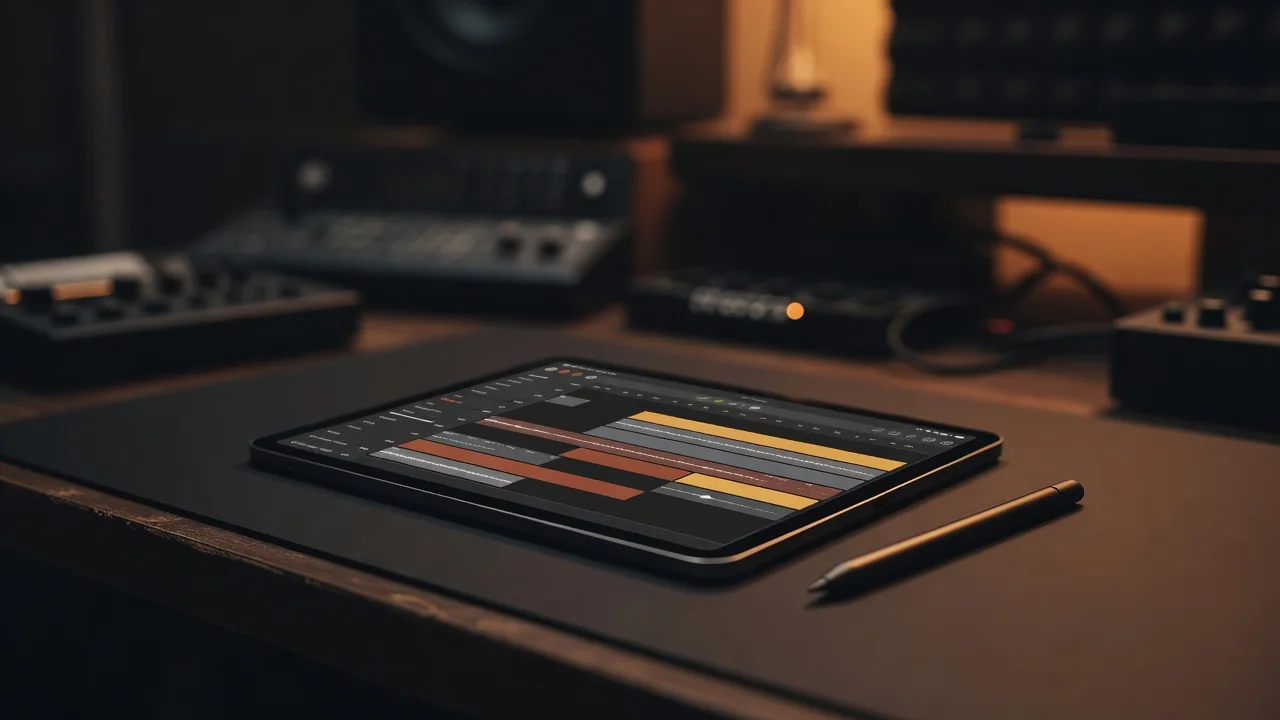
Duplicate the eight-bar loop three or four times and begin arranging. Use mutes and automation to create contrast: strip the drums to just hi-hats for a breakdown, bring the full kit back with a filter sweep on the melody, drop everything to silence for one beat before the final chorus. On a phone these gestures are fast—two fingers on the screen can mute multiple tracks at once. Aim to reach a rough arrangement in under fifteen minutes. The goal is momentum, not perfection.
Finish by exporting stems: kick, drums, bass, melody, and any effects as separate audio files. These can be dropped into a larger project later for proper mixing on bigger speakers. The entire phone session should stay inside twenty minutes. That tight window keeps ideas fresh and stops overthinking.
Make this workflow a daily habit. Twenty minutes every morning before coffee or on the train home builds a surprising number of sketches in a month. Most will stay sketches; a few will spark real tracks once you open the stems on your laptop. The phone becomes the idea factory, not the final studio.
Key points
- Set tempo and drums first, sounds second.
- Limit yourself to five instruments per beat.
- Arrange by muting parts, not by adding new ones.
| Stage | Typical Time | Goal |
|---|---|---|
| Tempo & Drum Pattern | 2–3 min | Establish groove |
| Sound Palette Selection | 3–4 min | Limit to 4–5 instruments |
| Live Bass Recording | 3 min | Capture human feel |
| Melodic Layer & Loop | 4 min | Create 8-bar foundation |
| Arrangement with Mutes | 5–6 min | Add structure and drops |
| Export Stems | 1–2 min | Prepare for later mixing |
After a few weeks the process becomes muscle memory. You will start hearing complete arrangements in your head while waiting for the bus. The phone stops feeling like a compromise and becomes a genuine creative partner. Twenty minutes a day, one focused workflow, and suddenly you are finishing more music than you ever did with hours on a full DAW.