Bass Amp Apps: Getting Real Low End Out of a Phone
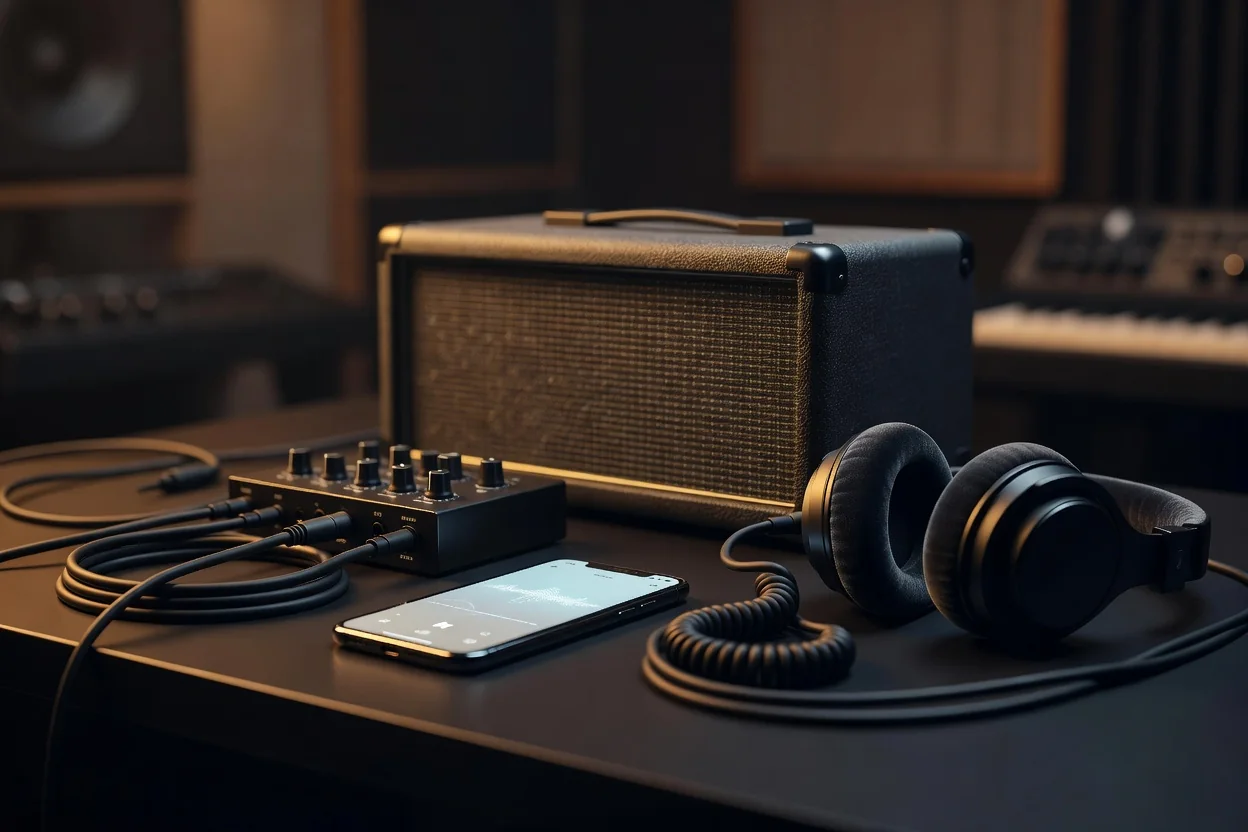
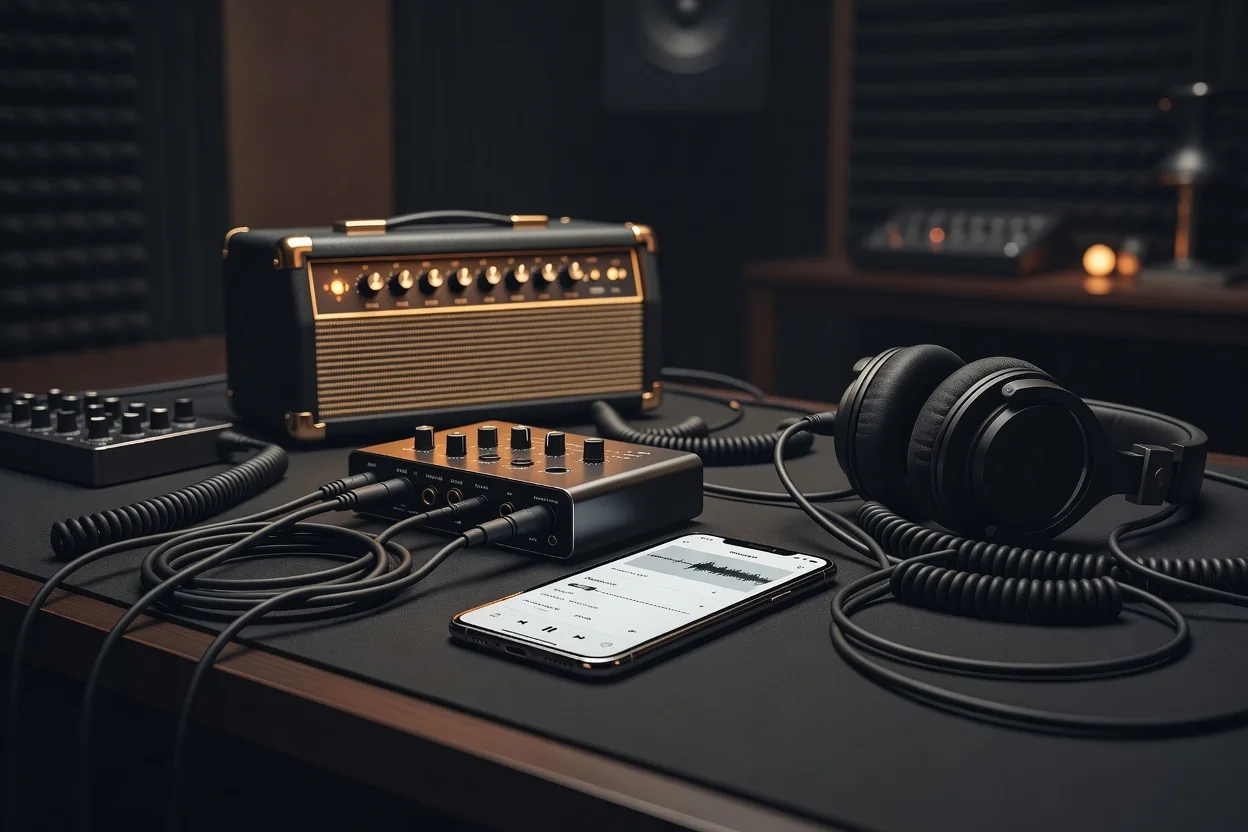
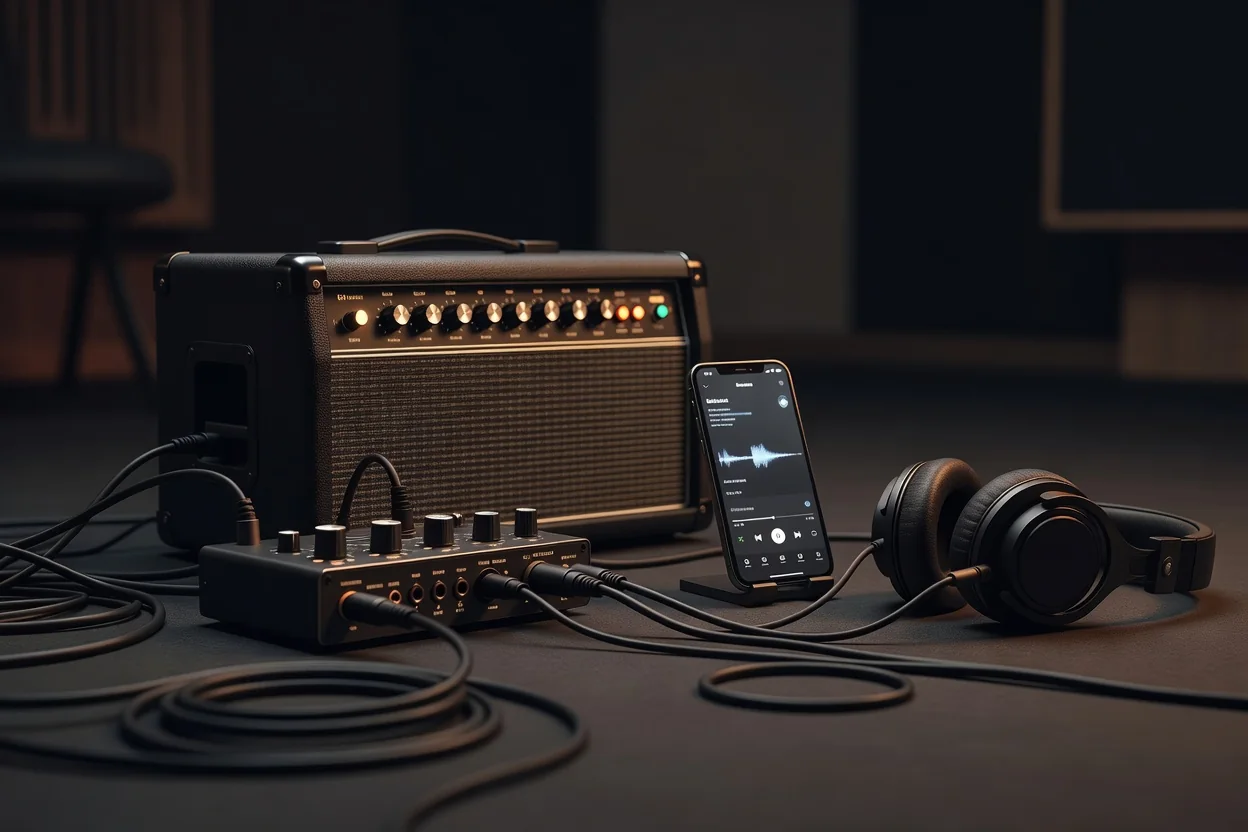
In 2026, your phone can genuinely replace a bass amp for everything from bedroom practice to quick rehearsal demos. The trick isn’t hunting for the perfect modeler; it’s understanding how the low end behaves once it leaves the tiny speaker in your pocket. Real bass needs space, and mobile devices fight physics every step of the way. Get the monitoring chain right and suddenly those modeled tube preamps and virtual 8x10 cabs start to feel heavy instead of thin and fizzy.
Headphones remain the most common solution, yet they lie about low frequencies. The drivers simply cannot move enough air below 60 Hz, so your ears trick you into boosting mud that will disappear on a real system. A full-range flat-response (FRFR) speaker or even a small studio monitor connected via USB-C gives far more honest translation. In-ear monitors sit in the middle: they deliver tight, accurate bass but can feel isolated during band practice. Choose your weapon before you touch any EQ or compression settings.
Building a Tight Low End
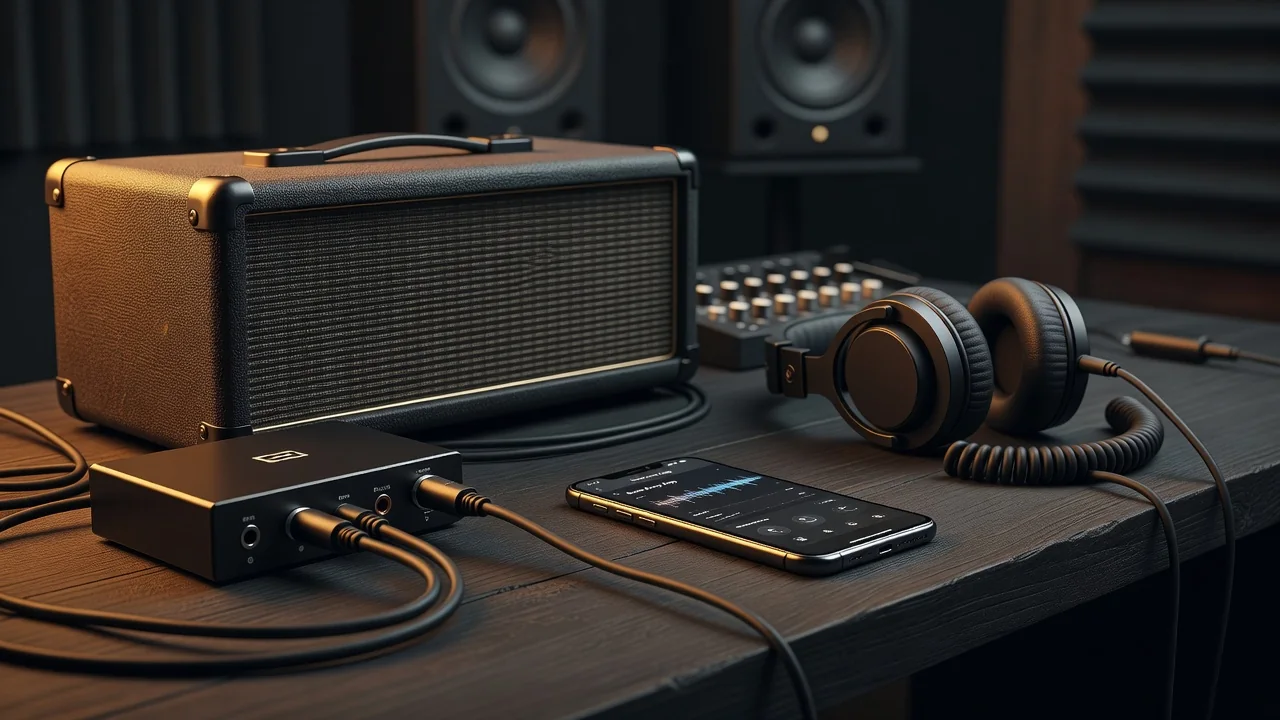
Cabinet simulation is non-negotiable. Without it, the raw amp model pumps out sub frequencies that turn into a blurry mess on small speakers. Most 2026 apps now include decent virtual 4x10 and 8x10 cabs with adjustable high-pass filters. Set the HPF around 35-45 Hz for a passive bass and slightly higher for active instruments that already carry more low-end energy. This single move clears headroom and makes the tone sit better in a mix.
Compression belongs before the amp model, not after. A gentle 4:1 ratio with a medium attack tames the initial transient of each note, letting the virtual power amp breathe. Too much compression and you lose the percussive finger sound that defines modern bass. Keep the makeup gain modest and watch your input levels; phones clip faster than dedicated audio interfaces.
Gain Staging and Recording
Active basses output hotter signals than passive ones. Many players discover their phone’s audio input distorts at surprisingly low volumes when using an active instrument. The solution is simple: lower the output on your bass or insert a simple pad before the phone. Proper gain staging keeps the entire chain clean and preserves the character of each amp model.
For rehearsal demos, bypass the phone’s built-in mic entirely. Record direct from the app’s DI output while monitoring through headphones or IEMs. The resulting file stays phase-coherent and can be dropped straight into a DAW for quick edits or to send to your bandmates. You’ll be amazed how professional these phone recordings sound when the monitoring chain was chosen thoughtfully.
Monitoring Options Compared
| Option | Approx. Cost (2026) | Low-End Accuracy | Volume Limit | Best For |
|---|---|---|---|---|
| Over-ear headphones | $40–$180 | Moderate | Quiet to moderate | Quiet practice |
| In-ear monitors | $80–$350 | High | Very loud (isolated) | Band rehearsal |
| Portable FRFR speaker | $120–$280 | Excellent | Loud enough for small room | Realistic feel |
| USB-C studio monitor | $220–$450 | Reference level | Moderate (room dependent) | Critical listening |
Ultimately, the best bass amp app is the one you actually use. Once you stop fighting the physics of mobile audio and start managing the signal chain with intention, your phone becomes a serious tool instead of a toy. Focus on monitoring first, then refine the virtual rig around it. The low end you’ve been chasing is already in the apps; it just needs the right path out of that little rectangle in your pocket.
- Always high-pass before boosting lows
- Check your tone on multiple monitoring systems
- Record the DI track even if you’re only practicing
- Keep phone gain staging conservative