How to Choose a Guitar Amp App in 2026 Without Wasting Money
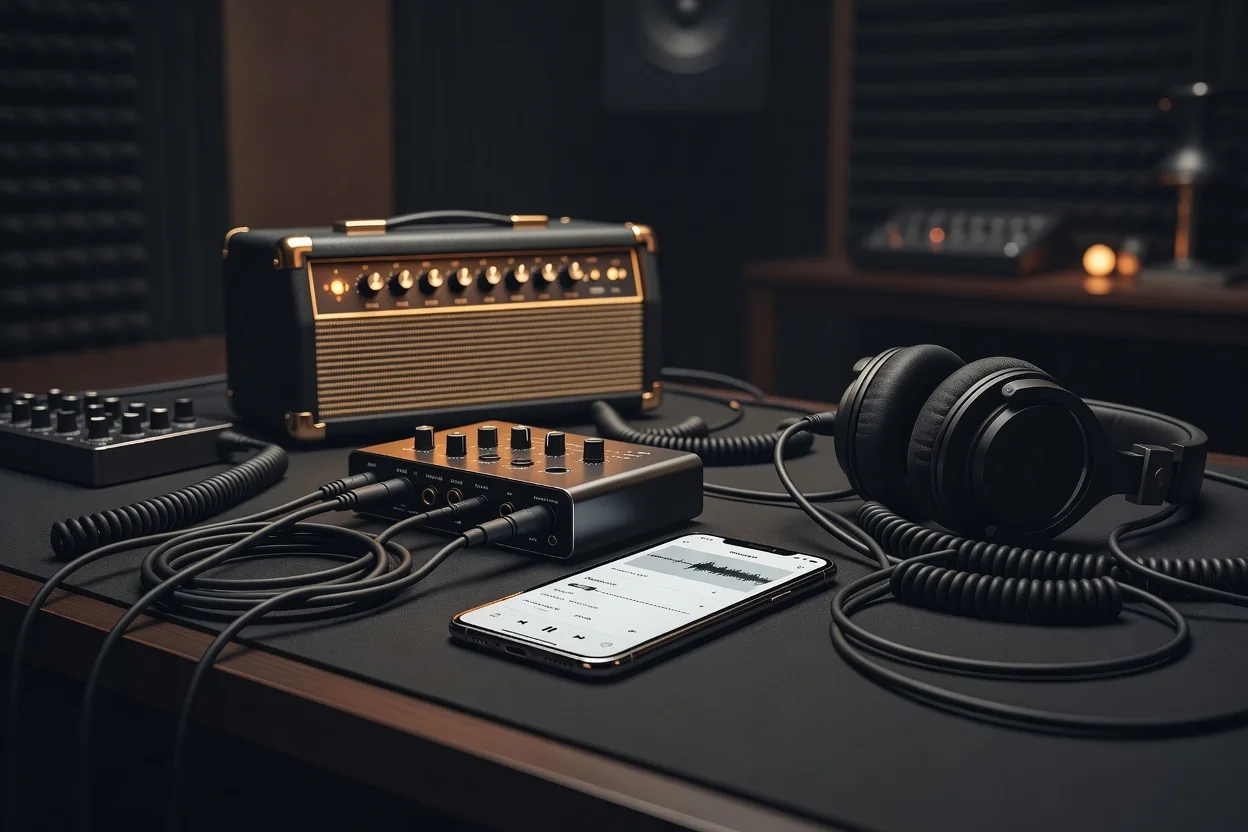
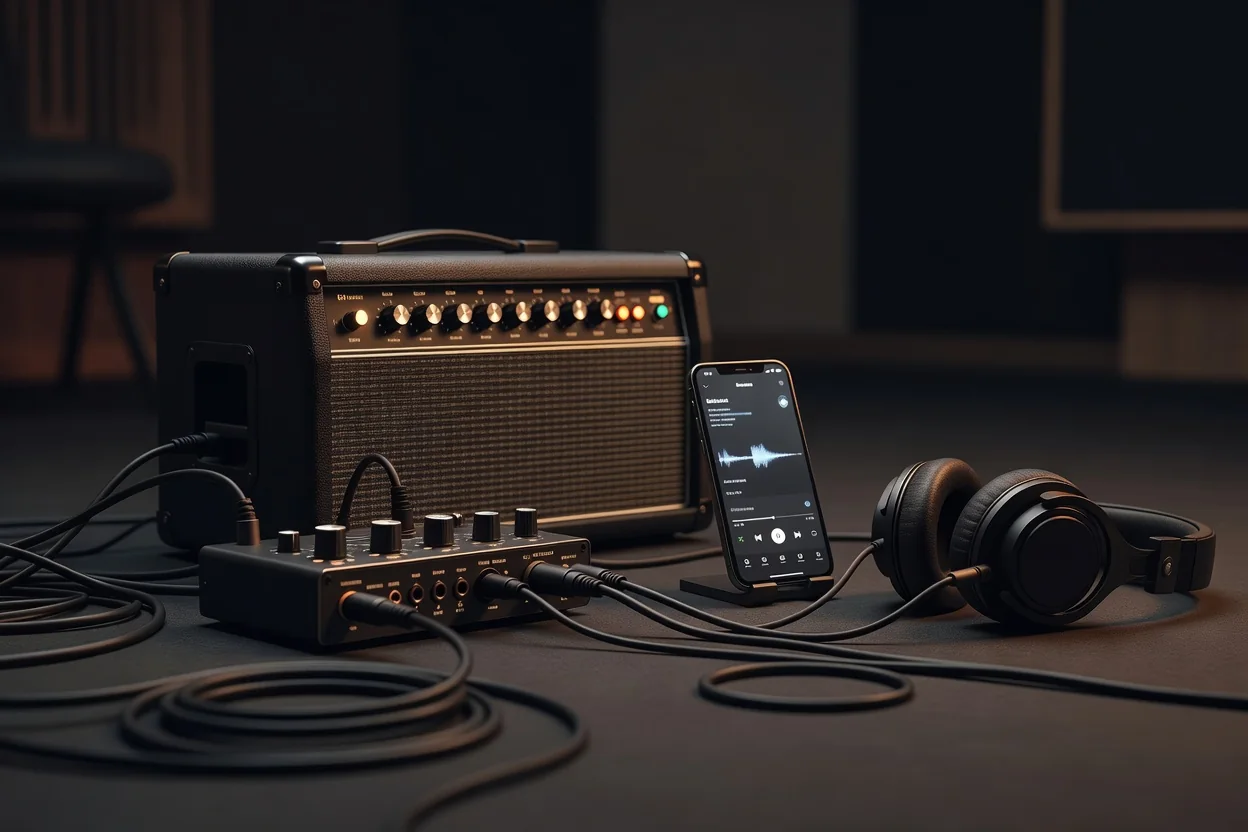
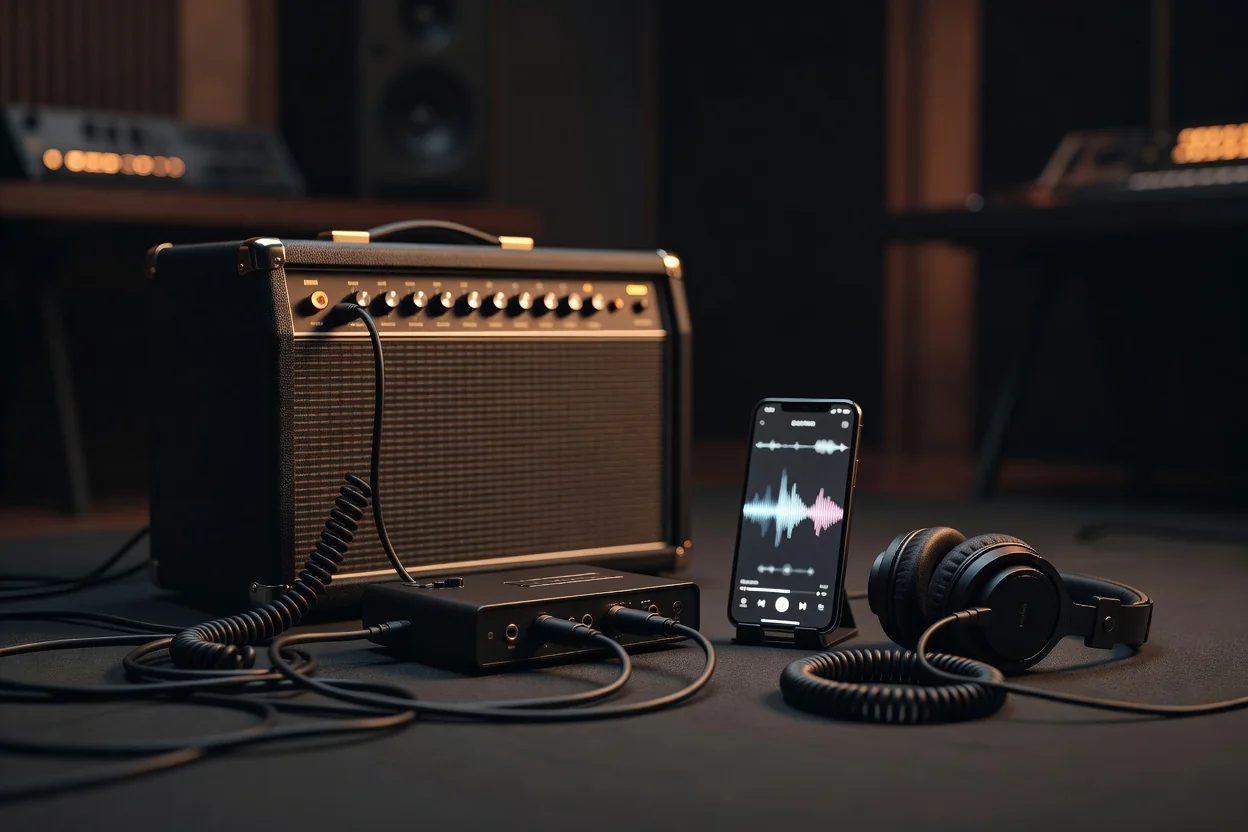
Choosing a guitar amp app in 2026 feels overwhelming with dozens of new releases promising studio-grade tone on your iPhone or iPad. The real differences hide in modeling accuracy, how the app handles your signal chain, and whether it fits your actual workflow. Skip the hype and focus on what you’ll notice when you plug in.
Start by understanding that not every “amp simulator” models the same way. Some excel at dynamic response—how the virtual tubes sag or compress under heavy picking—while others prioritize clean headroom or high-gain aggression. Cab modeling quality varies wildly too; cheap IRs can sound boxy or overly bright, while premium ones capture the three-dimensional feel of a real speaker moving air. Test with your own guitar and a decent pair of headphones before committing any cash.

Key Technical Factors That Matter in 2026
Latency remains the biggest deal-breaker. Look for apps that consistently stay under 10 ms round-trip when using an audio interface; anything higher kills feel, especially for fast lead lines or palm-muted rhythms. Input gain staging is equally critical—good apps let you dial in the exact level your pickup puts out so the modeled preamp reacts naturally instead of clipping or starving for signal.
Offline presets versus cloud libraries is another practical divide. Offline access means you can practice on a plane or at the cabin with zero frustration. Cloud-based systems often include regular new tones but require constant internet and a recurring subscription. Decide early whether you want ownership or monthly access to expanding libraries.
AUv3 Integration and Real-World Workflow
If you record in a DAW like GarageBand, Logic, or Auria, AUv3 support turns the app into a professional plugin rather than a standalone toy. Check that the developer keeps the AU version updated—some older apps still suffer from parameter automation bugs or MIDI clock sync issues in 2026.
Most importantly, audition with your actual rig. Your humbucker Les Paul will excite the virtual power tubes differently than a single-coil Strat. Spend time tweaking every parameter while playing the music you actually perform. Many apps offer generous trial periods; use them fully before paying.
Evaluation Checklist
- Measured round-trip latency below 10 ms on your interface
- Accurate input gain staging that responds to your guitar’s output
- Convincing amp dynamics and speaker cabinet IR quality
- Offline preset storage or acceptable subscription model
- Reliable AUv3 implementation with parameter automation
- Regular firmware and plugin updates from the developer
- Headphone and studio monitor output optimization
| Criteria | What to Test | Why It Matters |
|---|---|---|
| Modeling Quality | Play chords, single notes, and palm mutes | Reveals dynamic response and touch sensitivity |
| Latency | Use built-in meter or DAW measurement | Anything over 10 ms destroys timing feel |
| Gain Staging | Adjust input level with your real guitar | Prevents artificial clipping or weak tone |
| Offline Access | Turn off Wi-Fi and load presets | Ensures usability anywhere, anytime |
| AUv3 Stability | Automate parameters inside your DAW | Critical for recording and live backing tracks |
Take notes during your trials. The app that feels most transparent with your playing style is usually the winner, even if it lacks flashy graphics or social features. In 2026 the best guitar amp apps disappear into the music rather than calling attention to themselves. Trust your ears, your hands, and your specific needs instead of marketing claims.
Once you find the right match, the combination of low latency, honest modeling, and seamless DAW integration can replace a bulky tube amp for practice, recording, and even small gigs. The money you save by choosing wisely can go toward better headphones, a quieter audio interface, or simply more strings.