Cables and Adapters for a Mobile Music Rig: What Survives the Road
In 2026 a phone remains the heart of many portable music rigs. Whether you’re running backing tracks, a portable synth rig, or live looping on the street, the cables and adapters between your device and audio interfaces, mixers, or headphones determine whether the gig goes smoothly or ends in silence. Choosing the right ones means thinking beyond basic connectivity to what actually survives repeated packing, unpacking, and the occasional drop onto concrete.
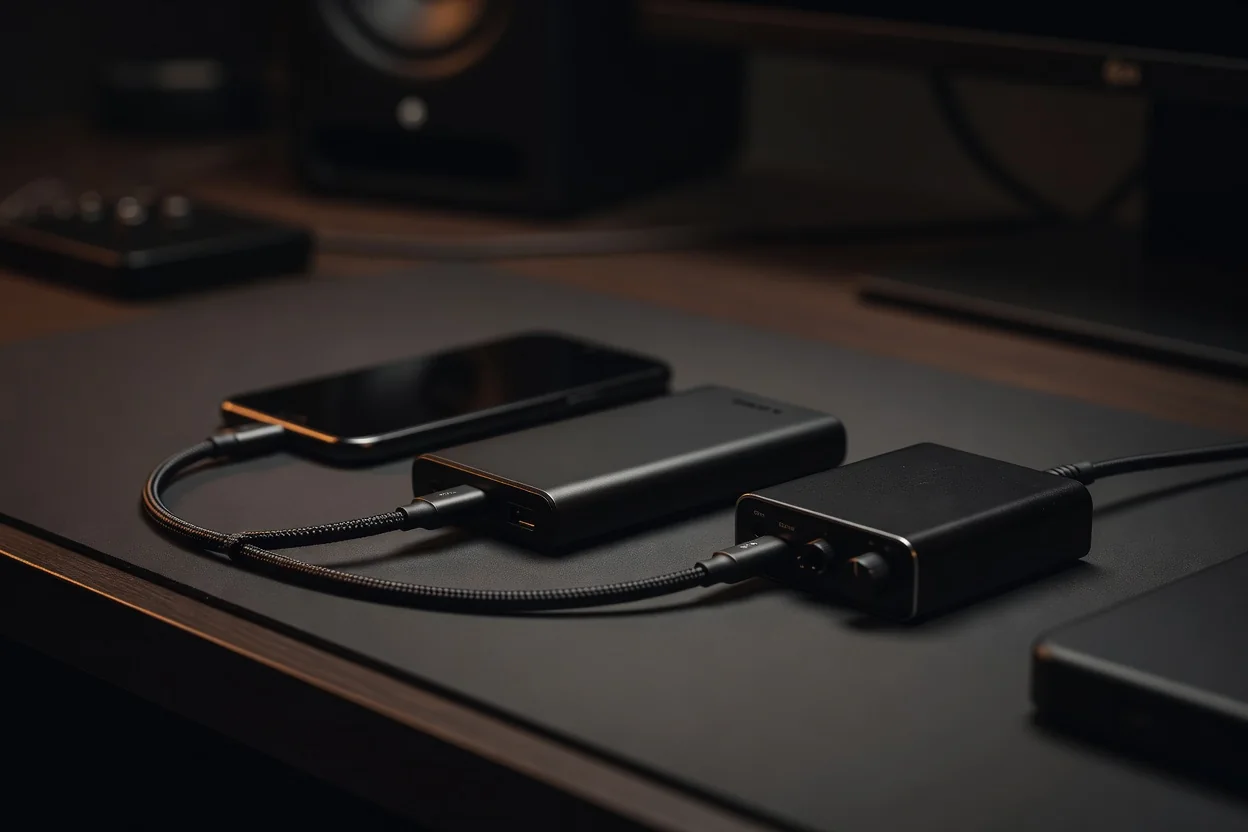
USB-C has largely replaced Lightning on new devices, yet many working musicians still carry older phones or interfaces. Certified cables matter here: non-certified ones can introduce ground noise, dropouts, or outright refuse to carry digital audio. A good cable should support at least 480 Mbps data rates and handle 5 V/3 A charging so it can power small interfaces without browning out. Look for thick, braided jackets and generous strain relief at both ends; these two features prevent the most common failure point—internal wire fatigue after a few months of stage life.
Right-Angle Connectors and Stage Practicality
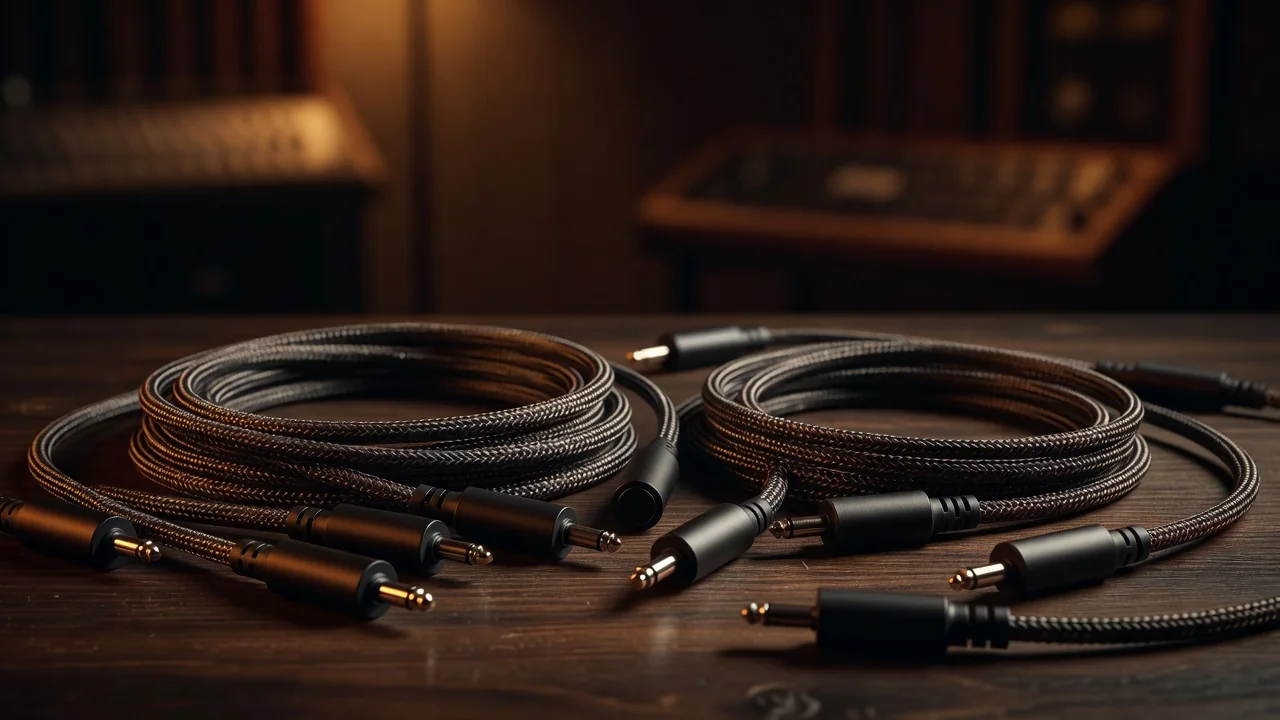
Right-angle plugs keep cables flat against the back of your phone or audio interface, reducing the chance of someone kicking a cable and ripping the port out. On stage, where space is tight and movement constant, straight connectors become leverage points that destroy both cable and device. A typical right-angle USB-C to USB-C cable in a braided nylon jacket lasts roughly three times longer in road use than its straight counterpart, according to common field reports from working musicians.
TRS and TRRS cables serve different jobs. TRS (tip-ring-sleeve) is the standard for balanced audio lines between your interface and mixer or powered speakers. TRRS (tip-ring-ring-sleeve) carries both stereo audio and a microphone signal on a single 3.5 mm jack—handy for certain headphone-monitoring setups or older phones that combine headset functions. Mixing them up usually results in missing channels or loud hum, so keeping them clearly labeled is essential.
Adapters That Earn Their Place
Not all adapters are reliable. A simple 3.5 mm to ¼-inch TRS barrel adapter built with metal housing and gold contacts will usually survive years of use. In contrast, cheap USB-C to Lightning adapters often fail quietly by introducing crackling or complete signal dropout without any visible damage. The safest approach is to carry only adapters that perform a single, clearly defined job and to test every new piece before showtime.
Building a spare pouch takes the guesswork out of last-minute repairs. Include one backup of every link you regularly use: USB-C to USB-C, USB-C to Lightning, TRS ¼-inch to ⅛-inch, and a couple of the most common adapters. Label each cable with a small strip of colored electrical tape and a sharpie note indicating its exact purpose. This system keeps setup time under two minutes even when something inevitably fails mid-tour.
| Connection Type | Typical Use | Common Failure Mode | Typical Price Range |
|---|---|---|---|
| USB-C to USB-C (certified, braided) | Phone to audio interface | Strain relief crack after 6–9 months | $12–28 |
| Lightning to USB-C (certified) | Older phone to modern interface | Intermittent dropout from poor contacts | $15–35 |
| Right-angle TRS ¼-inch | Interface to mixer or monitor | Internal solder joint fatigue | $9–22 |
| TRRS 3.5 mm headset cable | Monitoring with built-in mic input | Channel imbalance from miswiring | $8–18 |
| ¼-inch to 3.5 mm adapter (metal) | Headphone to line output | Thread stripping on cheap plastic versions | $4–11 |
Durability ultimately comes down to materials and geometry rather than brand names. Braided jackets resist abrasion from gear bags, while molded strain relief prevents the wire from bending at sharp angles inside the connector. Right-angle plugs keep stress off device ports. When every cable in your rig follows these principles and you maintain a well-labeled spare set, your mobile music setup can survive months of travel with minimal drama. The difference between a smooth set and a panicked reboot often measures less than two millimeters of cable angle and a few extra dollars spent on proper certification.
- Always test every cable and adapter in your rehearsal space before loading in.
- Replace any cable showing visible jacket wear before the internal conductors break.
- Keep spares in a small, brightly colored pouch so it never gets lost in a sea of black cases.
With the right combination of certified cables, thoughtful connectors, and a disciplined spare-kit habit, your phone-based rig becomes one of the most reliable parts of your live setup instead of its weakest link.