Preset Management in Guitar Amp Apps: Tones You Can Find Again
In 2026 guitar amp simulation apps have become the core of many players’ rigs, yet the joy of discovery quickly turns into chaos when hundreds of presets pile up with names like “cool lead” or “test 47.” A simple, repeatable system for naming and grouping presets turns that mess into a reliable live and studio tool. The goal is to find any tone in under ten seconds whether you’re on stage or tweaking at home.
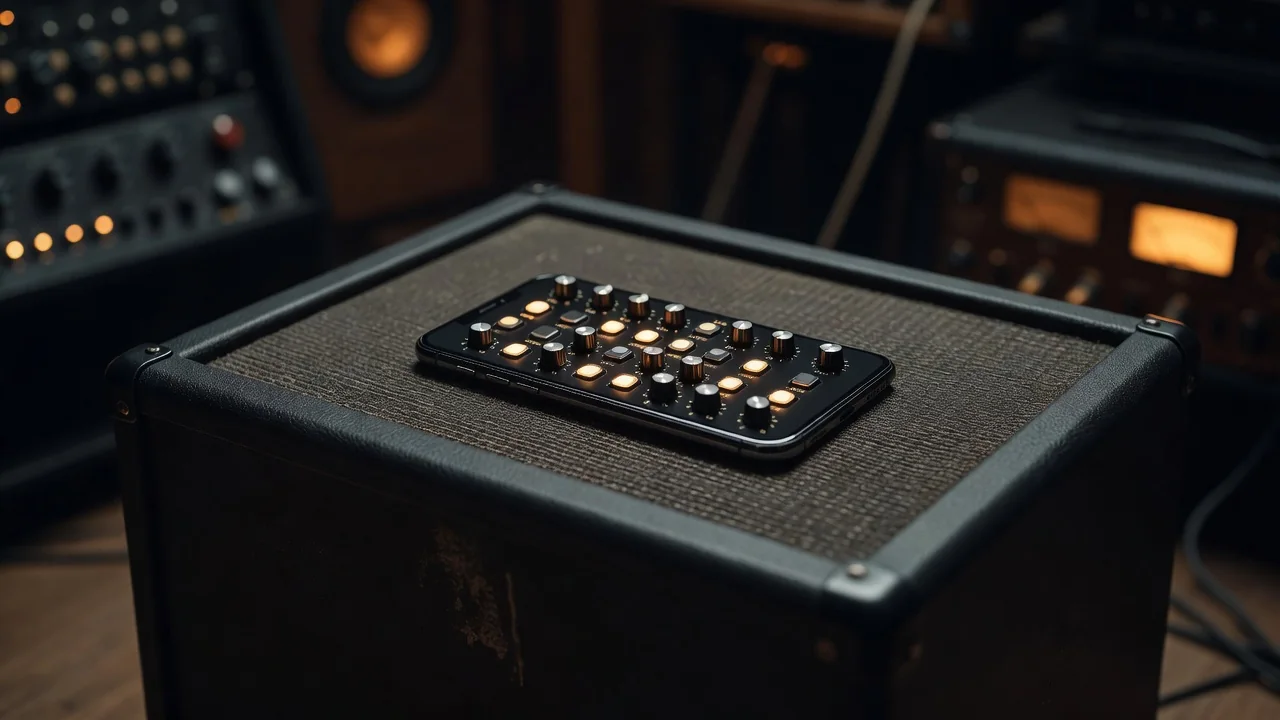
Start by adopting a consistent naming convention built around three core pieces of information: the song or project, the guitar used, and the approximate gain level. This triplet tells you almost everything you need before you even load the preset. After the second paragraph, the image below shows a clean example of how such organized preset lists appear inside modern amp apps.
Building a Naming Convention That Actually Works
A practical name looks like this: “Juniper_SG_Med” or “Tele_Dirty_Studio.” The first part is the song or session identifier, the second is the guitar model or pickup configuration, and the third is gain in three simple tiers—Clean, Med, or High. You can add a suffix for special uses such as “_Live” or “_Verse” when needed. Keep everything under 24 characters so it displays fully on phone screens and foot controllers. Consistency matters more than cleverness; once the pattern is set, muscle memory takes over.
| Element | Typical Range or Example | Purpose |
|---|---|---|
| Song/Project | Juniper, Session2026, GigMar | Context and setlist grouping |
| Guitar/Pickups | SG, Tele, StratNeck, LPBridge | Matches instrument characteristics |
| Gain Level | Clean, Med, High, Edge | Instant volume and saturation cue |
| Modifier | _Live, _Verse, _Alt | Special performance or variation note |
Organize Into Banks Instead of One Giant List
Rather than scrolling through a single library of 200 presets, create separate banks that mirror your real workflow. One bank per upcoming gig setlist, another for recording projects, and a small “core tones” bank that never changes. Most apps in 2026 let you switch banks with a single swipe or footswitch command. A working musician typically needs no more than five carefully dialed presets per set; the rest become distractions. Five tones you know intimately will always outperform fifty experiments you only half remember.
Keep one pristine base preset for each guitar you own. These “starting point” patches contain only the amp, cabinet, and essential EQ with gain at noon and no effects. Duplicate from this base every time you build a new tone. The habit prevents creeping parameter drift and makes it easy to compare how different pedals or IRs change the same core sound.
Maintenance Habits That Prevent Disaster
Before every major app update, export your entire preset library to both a cloud folder and a local drive. Name the backup folder with the current month and year so you can roll back if an update alters favorite algorithms. Once per quarter, open every bank and delete obvious duplicates—most players discover they have between eight and twelve near-identical “blues drive” variations. Trim without mercy; a lean library loads faster and reduces decision fatigue during soundchecks.
- Use the same three-part naming format on every new preset you create
- Limit active gig banks to five to seven presets maximum
- Store one untouched base preset per guitar in its own dedicated bank
- Export the full library before every software update
- Schedule a 30-minute quarterly cleanup to remove duplicates
These habits take only a few minutes per session but pay off every time you need a specific tone under pressure. Players who treat presets like a well-organized pedalboard report fewer onstage mistakes and faster rehearsal starts. In 2026, the best guitar sounds are not the ones you discover once—they are the ones you can find again in three seconds when the lights go down.