Adding a MIDI Controller to a Phone or Tablet Rig
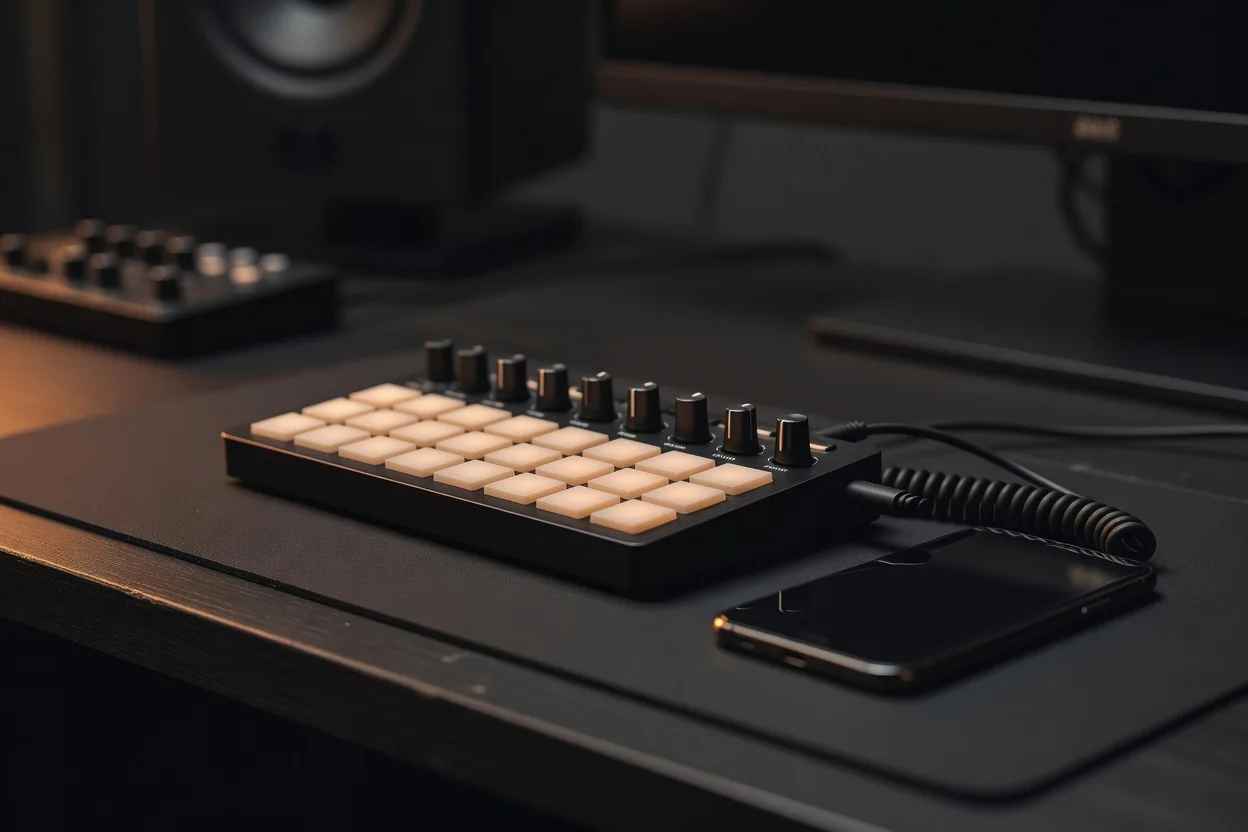
In 2026, building a portable music rig around a phone or tablet has never been simpler. Modern mobile devices handle audio processing and synthesis with surprising power, but the real magic happens when you add physical control. A MIDI controller turns your touchscreen into a responsive instrument, letting you play notes, tweak parameters, and change presets without fighting virtual faders. The key is understanding how these controllers talk to your device and which type fits your workflow.
Class-compliant USB MIDI remains the most reliable connection method. Any controller that advertises itself as class-compliant works straight out of the box with iOS and Android because the operating systems already contain the necessary drivers. You simply plug in via USB-C or Lightning with the correct adapter and the device is recognized instantly. No software installation, no firmware updates required for basic operation. This plug-and-play nature makes it ideal for quick stage or rehearsal setups where time is limited.
Power Considerations and When to Add a Hub
Bus power limits are the main practical constraint. Most phones and tablets can supply between 100 and 250 mA to a connected USB device before they start complaining or shutting down ports. Lightweight pad controllers and small keyboards usually stay under 150 mA, but larger controllers with motorized faders or bright LED displays can easily exceed that. When your setup includes multiple controllers or power-hungry models, a small powered USB hub becomes essential. The hub draws its own power from a wall charger or battery pack, keeping your mobile device’s battery free for audio work.
Choosing the Right Controller Type
Different players need different tools. Keyboard controllers suit those who want to play melodic lines or chords with traditional feel. Pad controllers excel for finger drummers and producers who build beats or trigger samples. Foot controllers, especially MIDI footswitches, give guitarists and vocalists hands-free operation so they can change amp models, effects, or loopers while performing. Many musicians combine two types: a small keyboard for studio sketching and a footswitch for live use.
| Controller Type | Typical Use | Typical Power Draw |
|---|---|---|
| 25-key mini keyboard | Melodic ideas on the go | 80–120 mA |
| 8–16 pad controller | Drums, clips, one-shot triggers | 120–180 mA |
| Expression pedal or single footswitch | Volume, wah, or preset advance | 30–60 mA |
| Multi-switch foot controller | Hands-free preset and effect changes | 150–300 mA |
| Full-size 49-key keyboard | Detailed performance and sound design | 200–450 mA |
Mapping and Latency Choices
Once connected, the real creative work begins inside your amp simulator or DAW app. Most mobile music applications provide a MIDI learn function. You simply move a knob or press a pad on the controller, and the app assigns that physical control to a virtual parameter. Common mappings include cutoff frequency to a knob, reverb mix to an expression pedal, or preset up/down to footswitches. On stage, a MIDI footswitch becomes invaluable for hands-free preset changes, letting performers focus on playing rather than tapping a screen between songs.
Wired USB MIDI offers the lowest and most predictable latency, typically under 3 milliseconds. Bluetooth MIDI, while convenient because it eliminates cables, usually adds 6–12 ms of latency depending on device quality and distance. For most live situations the difference is negligible, but when tracking tight drum parts or playing fast synth leads, many musicians still prefer the directness of a cable. Battery-powered Bluetooth controllers do free you from power concerns entirely, though they require periodic recharging.
Start simple. Connect one controller, map a few essential parameters, and see how it changes your workflow. Over time you will naturally add more controls as your music demands them. The beauty of mobile rigs in 2026 is their flexibility. Whether you are a guitarist needing instant stompbox changes, a producer layering beats, or a keyboardist sketching ideas on the train, the right MIDI controller turns your phone or tablet from a screen into a true musical instrument.
- Check your device’s USB power output before buying larger controllers
- Map only the parameters you actually use during performance
- Test latency in your specific app before committing to Bluetooth
- Carry a short USB cable and a small powered hub as backup