Files, Storage and Backups for Mobile Music Projects
In 2026, a single multitrack mobile music project can consume storage faster than most realize. A five-minute song with a dozen audio tracks at 24-bit/48kHz typically occupies several hundred megabytes once recorded. Add a few bounced versions, alternate takes, and automation data, and one unfinished idea can easily push past a gigabyte. With phones now holding dozens of such sketches, storage fills quickly, often forcing rushed decisions mid-session.
A consistent folder system prevents chaos. Create a top-level “Music Projects” folder on your device. Inside, make a subfolder for each year, such as “2026”. Within the year folder, name each project clearly: “2026-03_Summer_Drive” or “2026-11_Vocal_Loop_Study”. Keep all raw recordings, mixes, and reference files inside its dedicated folder. This structure makes locating work from two years ago effortless even when you have hundreds of projects.
Exporting Finished Work Immediately
Once a track feels complete, export both the final stereo mix and individual stems right away. A finished 24-bit WAV mix usually lands between 50 and 70 MB for a four-minute song. Stems for the same track typically total 300 to 550 MB depending on track count. Exporting and then removing the large session file from the device frees significant space while preserving the ability to revisit the project later. Keep these exported files in a separate “Finished” subfolder organized by year.
The Three-Copy Backup Rule
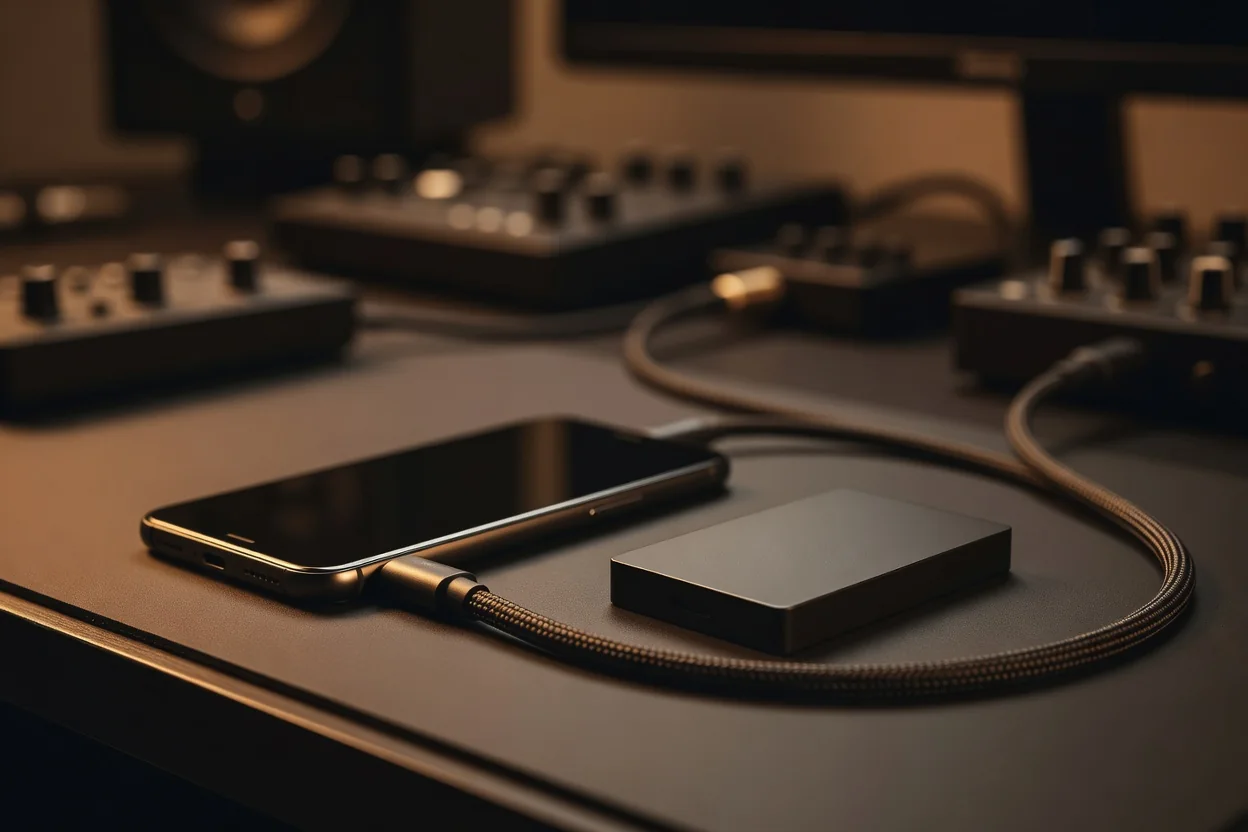
Reliable protection follows a simple three-copy approach: one copy remains on the phone, a second lives in a cloud storage account, and the third sits on an external drive connected to a computer or tablet. After exporting a finished project, copy the entire project folder to both the cloud and the external drive. This ensures that losing or damaging the phone does not erase months of creative work. Verify that cloud sync has completed before deleting any local copies.
Regular maintenance keeps storage healthy. Many music apps accumulate large cache files and temporary bounce versions that can exceed 1 GB after several weeks of use. Safely clear these caches through each app’s settings menu once a month. Before every recording session, check available free space. A good rule is to maintain at least 5 GB free; this buffer prevents dropouts and allows room for new takes without interruption.
| File Type | Typical Size Range | Recommended Storage Location |
|---|---|---|
| Raw audio recording (per track, 3 min) | 35–55 MB | Phone project folder during work |
| Finished stereo mix (24-bit WAV) | 50–70 MB | Phone + cloud + external drive |
| Full stems pack (8–16 tracks) | 300–550 MB | External drive primary, cloud secondary |
| MIDI and automation data | 1–8 MB | Phone and cloud |
| App cache and temp bounces | 200 MB–2 GB per month | Clear monthly from phone |
Adopting these habits early transforms mobile music-making from a storage headache into a smooth, sustainable workflow. By combining a clear folder convention, prompt exporting, the three-copy rule, and monthly cleanup, creators protect their ideas while keeping their devices ready for the next burst of inspiration. Checking free space before recording becomes second nature, ensuring that creativity is never halted by a full drive.
- Establish a year-and-project folder structure immediately
- Export mixes and stems the moment a track is finished
- Maintain three copies across phone, cloud, and external storage
- Clear app caches monthly and always check free space first
These straightforward practices, grounded in realistic file sizes and simple routines, help mobile musicians stay organized and confident that their work is safe no matter where inspiration strikes next.